I’ve lost count of the times a flash of something unexpected has stopped me mid-step on a muddy path — that sudden rush of adrenaline, the scramble to get a good view, and the clumsy juggling of phone, scope and notebook. Over the years I’ve learned that a calm, practical approach gets the best records and keeps the bird safe. Below I share the exact data and photo checklist I use to log and submit rare bird sightings to the BTO from my smartphone. It’s written for busy walkers and photographers who need a quick, reliable workflow they can use in the field.
Why good submissions matter
Rare bird records are used for science and conservation. The BTO and partner schemes rely on accurate dates, locations and supporting evidence to verify records, track range changes and inform protection. A good submission increases the chance your sighting will be validated and helps future observers. Conversely, incomplete or edited evidence can slow or prevent verification.
Before you press the shutter: field ethics and preparation
First: don’t stress the bird. Never use playback or persistent close approaches to get a photo. If the bird is clearly disturbed, back off and record notes instead.
- Keep a respectful distance and use a scope or telephoto lens if you have one.
- Tell any companions to move quietly and avoid sudden movement.
- Turn off flash and avoid spotlighting at night.
Essential smartphone settings (quick checklist)
- Turn on GPS/location services for the camera app so photos embed coordinates (EXIF).
- Keep original files — avoid in-phone edits that rewrite EXIF. If you crop for sharing, keep the untouched original.
- Set date/time correctly (automatic is best) so timestamps are accurate.
- Enable high quality image capture — Portrait modes can be useful, but don’t rely on heavy processing that masks details.
- Record audio if possible — bird calls can be decisive. Use a voice-memo app or the video microphone.
What to photograph — exact shots that help verification
Think of photos as evidence for specific identification points rather than just pretty images. I aim for a short sequence that together answers the questions an assessor will ask: what species, age, sex, and behaviour?
- Overall perching shot — full-body view, clear profile if possible. Shows size, shape, posture and primary fieldmarks.
- Close-ups of key plumage — head, breast, undertail, wingpan/primary pattern, tail pattern. Multiple angles are ideal.
- In-flight photo — shows wing and tail pattern, flight action and proportions.
- Bill and leg shots — if visible, these can indicate age/sex and separate similar species.
- Context/habitat shot — shows location context (coastal, reedbed, farmland) and distance scale.
- Video or audio — even short video clips with sound can be worth more than a handful of stills.
Data to record — the exact fields BTO assessors want
When I submit, I make sure I’ve got these data points written down or entered in the app. They form the backbone of any BTO record submission.
| Field | What to include | Why it matters |
|---|---|---|
| Date and time | Exact date (YYYY-MM-DD) and the start/end time of observation (local time) | Confirms timing, migration windows and potential confusion species |
| Location (coordinates) | Latitude/Longitude (WGS84) to at least 6 decimal places if possible, plus a description (e.g. "OS grid SZ 12345 67890, south pier carpark") | Precise site identification for verification and mapping |
| Number of birds | Count or estimate, include any movement (e.g. 1 adult then 2 flew in) | Population and behaviour context |
| Age and sex | Where identifiable, state adult/juvenile and male/female | Helps separate similar plumages and confirm identity |
| Behaviour | Feeding, flight direction, interactions, vocalisations | Supports ID and rules out escapees or captive birds |
| Habitat | Short description (saltmarsh, coastal rocks, arable field) | Confirms plausibility and narrows similar species |
| Observer details | Your name, contact and whether there were witnesses | For follow up questions |
| Supporting media | Describe attached photos/audio/video and note if EXIF intact | Guides assessors directly to the most useful evidence |
How to get accurate coordinates from your smartphone
Most camera apps will write GPS into the EXIF if location services are enabled. I carry a backup: the free OS Locate or a simple GPS app that shows WGS84 lat/long and grid reference. If you're using BirdTrack or iRecord, their apps can attach a pinned location when you log the sighting. Always double-check — if you’re on a cliff path, your phone’s GPS might snap to a nearby car park if reception is weak.
Submitting to the BTO — app and web options
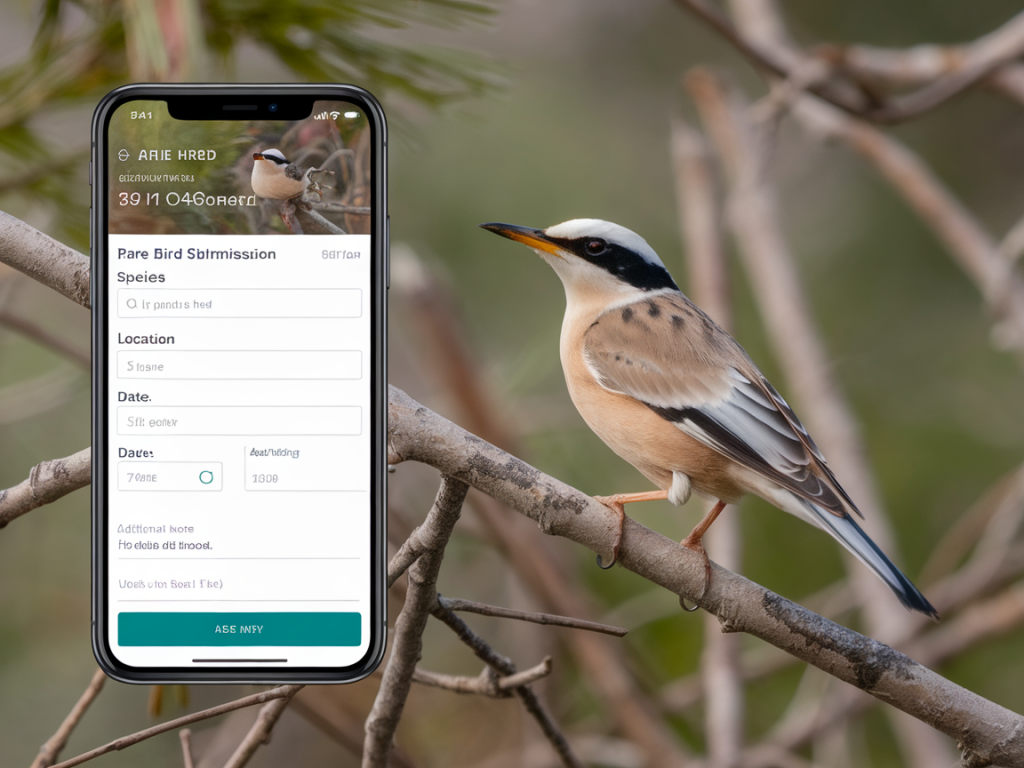
The BTO accepts records via BirdTrack and through the iRecord platform, both of which have smartphone apps that simplify submissions. My workflow:
- Immediately add a quick record in the BirdTrack or iRecord app with date/time and location while it’s fresh.
- Upload the best original photos (not heavily edited). Attach short notes describing key fieldmarks and behaviour.
- If possible, follow up on the web with a fuller account and attach any additional images or audio files. For rarities, include the full checklist described above.
Photo file handling — do’s and don’ts
- Do upload the original image files when you submit — they carry EXIF metadata (time, date, coordinates).
- Do keep edited/cropped versions separately and clearly labelled if you share on social media.
- Don’t remove or change timestamps and GPS metadata before submission — that can render the evidence unusable.
- Do back up originals to cloud storage (Google Photos, iCloud, Dropbox) as soon as you have signal.
If you didn’t get good photos
Not every rare bird will sit still for a clean record. If you missed good shots, your written description, audio and witness details can still be valuable. Write down precise plumage notes, sequence of events, measurements (size relative to known species), and any call descriptions phonetically. A sketch or annotated habitat photo can help.
Common mistakes I see (and how to avoid them)
- Poor location precision: Don’t say “near the bay” — pin the point on a map and note an OS grid ref.
- Edited photos with no EXIF: Keep originals — if you must crop, retain and upload the original too.
- Incomplete behaviour notes: Say whether the bird was feeding, moulting, or showing atypical behaviour — these details are diagnostic.
- No audio: Even a short call recording is often decisive. I always record 10–20 seconds if the bird vocalises.
Useful apps and kit I use
- BirdTrack (BTO) — quick submission and BirdTrack app for smartphone.
- iRecord — flexible platform for detailed records and photos.
- eBird — widely used, syncs with other platforms and useful for lists.
- Open Camera (Android) or the native Camera app (iPhone) with location enabled — for full EXIF support.
- Small clip-on telephoto lenses can help when you don’t carry a camera; a compact phone tripod is handy for steady shots.
When I file a rare record I try to imagine the assessor’s viewpoint: can they trace exactly where the bird was, see the key fieldmarks in the photos, and read a clear, chronological account of what I saw? If the answer is yes, the record is useful. If you follow this checklist it will speed verification and contribute valuable data for conservation and future observers — all without compromising the bird’s welfare.